Back
Talking to your Data - Meet Tia, Our AI Agent Redefining Inventory Planning
Laura B
Marketing Analyst
Today, Tightly is launching TIA — Tightly Intelligence Assistant — a new AI agent for inventory and supply chain operations, built directly into the platform.
The Problem We Set Out to Solve
While data is more accessible than ever, the time between seeing a number and acting on it has barely changed. Data at most retail and ops teams is fragmented: demand forecasts live in one tool, inventory levels in another, and supplier lead times somewhere else. Getting from a number to a decision means pulling reports, building one-off spreadsheets, and waiting for someone to stitch it all together. By the time you have an answer, the replenishment window has moved.
This is the velocity gap — the mismatch between how fast the market moves and how long it takes a team to get from data to decision. Closing it requires more than better dashboards; it requires moving beyond the passive consumption of static reports toward a way of working with data that is as responsive as the market itself. We have written about this underlying shift — from conversational analytics to the rise of the AI copilot for supply chain — for those who want the full picture.
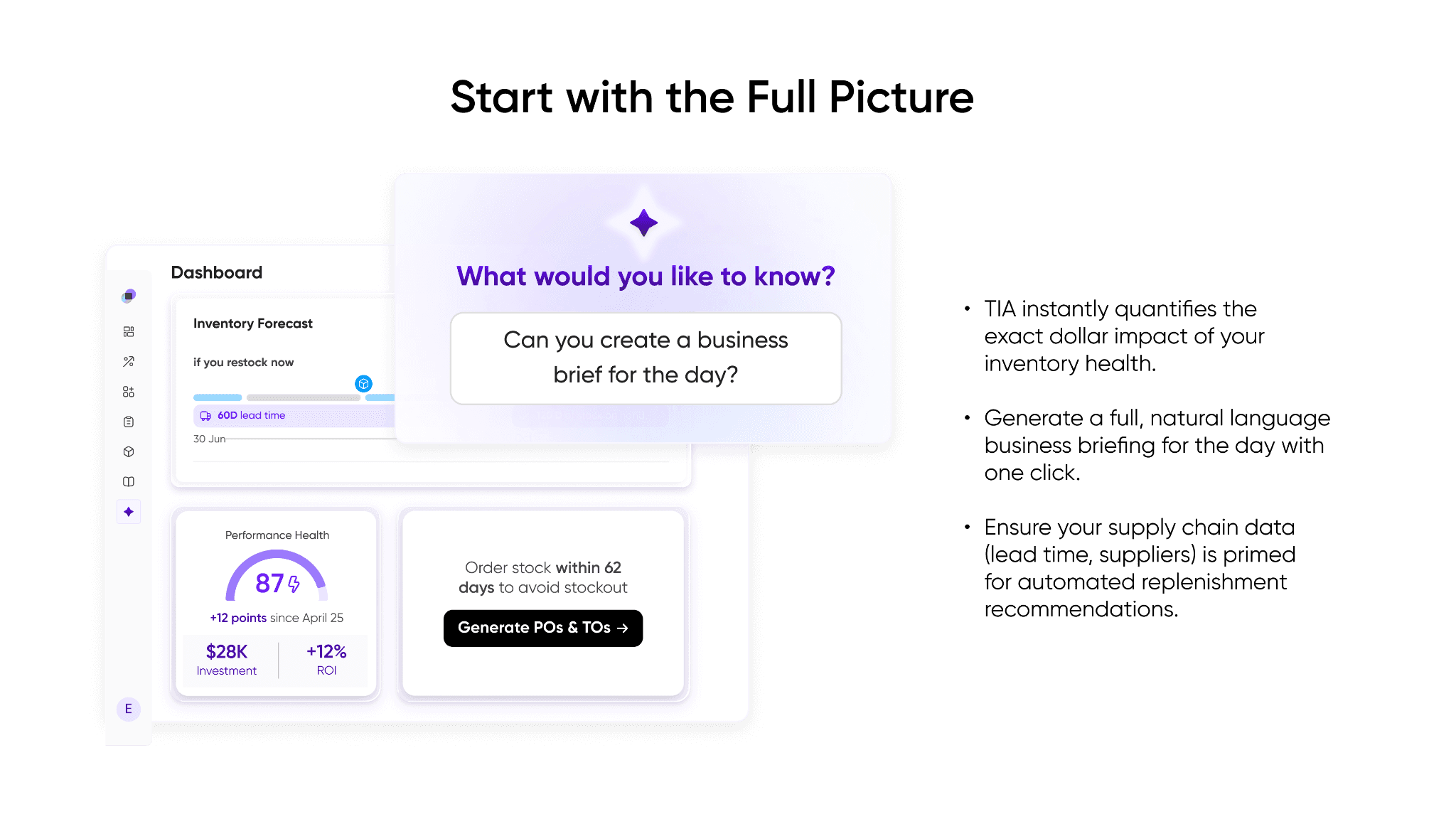
That is what TIA is built to do: understand the complete context of your business and connect high-level insights directly to operational execution (without switching between tools or manually reconciling data).
The Evolution: Why TIA is Replacing Tightly IQ
If you have been with us for a while, you might be familiar with Tightly IQ, our initial foray into AI-generated charts and dashboards. Tightly IQ allowed users to bypass manual reporting by generating visual answers to data queries.
However, as we expanded our AI capabilities, having two separate AI surfaces created confusion and limited the depth of operational research. More importantly, TIA is significantly more capable. While Tightly IQ was great at generating isolated charts, TIA handles complex, multi-step queries, advanced reasoning, and deep data requests across your entire supply chain ecosystem.
To streamline your experience and give you the most powerful tools possible, we are officially retiring Tightly IQ as a standalone feature and absorbing its charting and dashboard capabilities into a unified, far more powerful TIA experience.
What TIA Does: Ask. Analyze. Act.
TIA is not just a chat box bolted onto a BI tool; it is a conversational decisioning engine. By unifying your data across demand planning, inventory management, smart replenishment, and supply order management, TIA ensures that everything is accounted for.
Ask: The Natural Language Interface
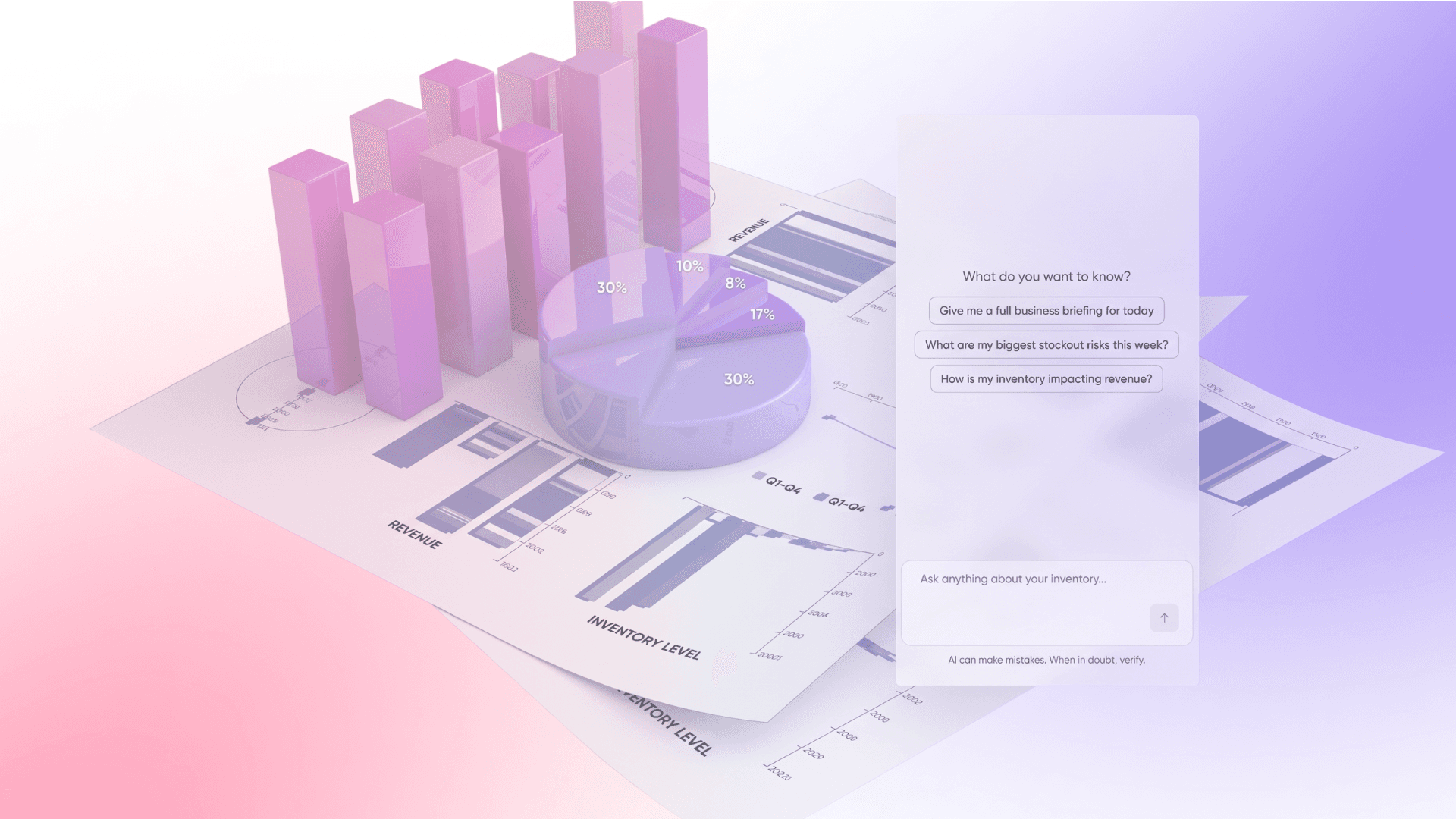
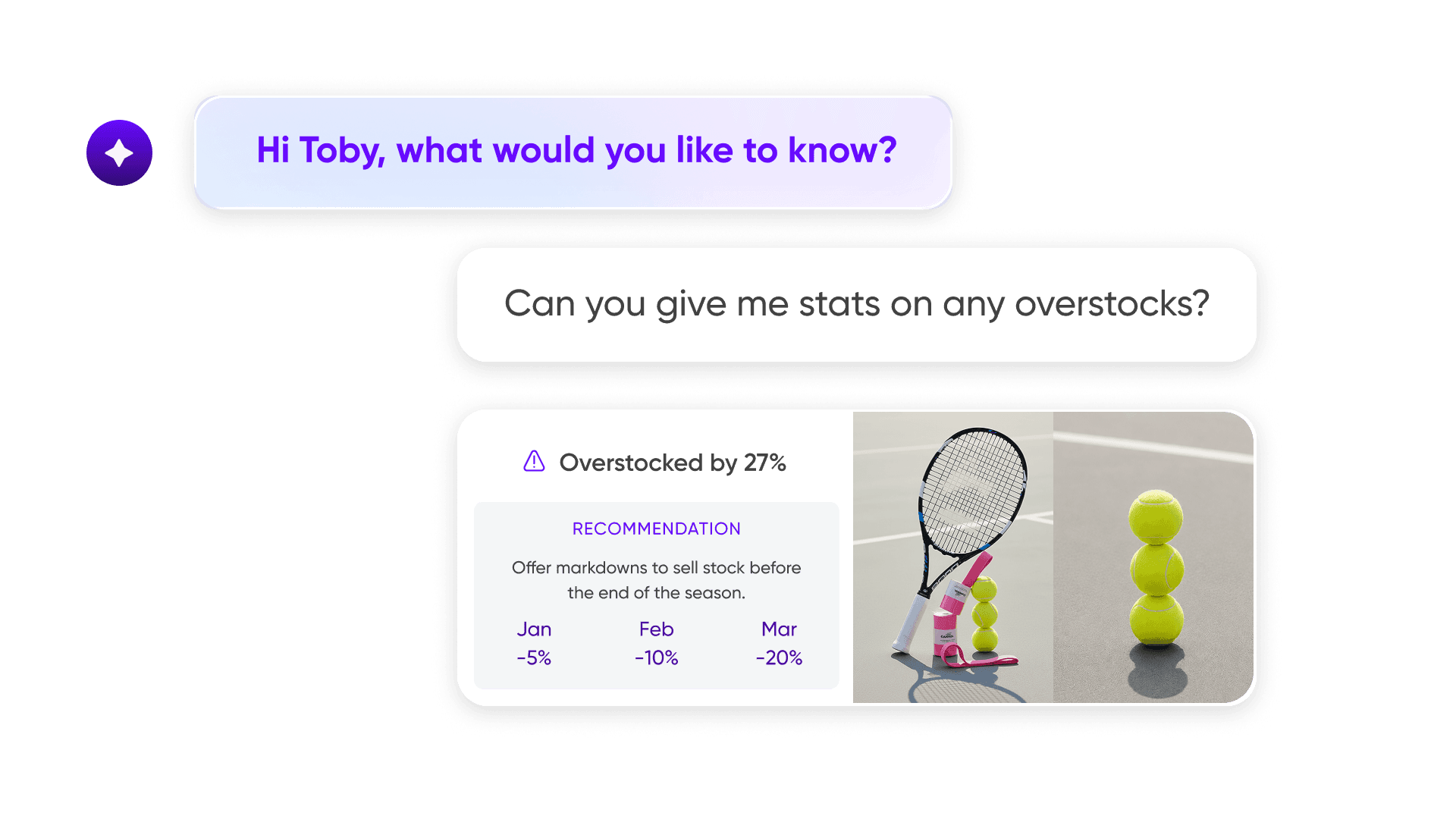
Instead of waiting for an analyst to query three systems and stitch together a spreadsheet, you ask TIA in plain English. Complex, cross-module questions like "Given my $2M cap this month, what's the most profitable mix of POs to open?" — TIA handles them all. You no longer need to be the integration layer between your own tools.
Analyze — Cross-module reasoning, in seconds
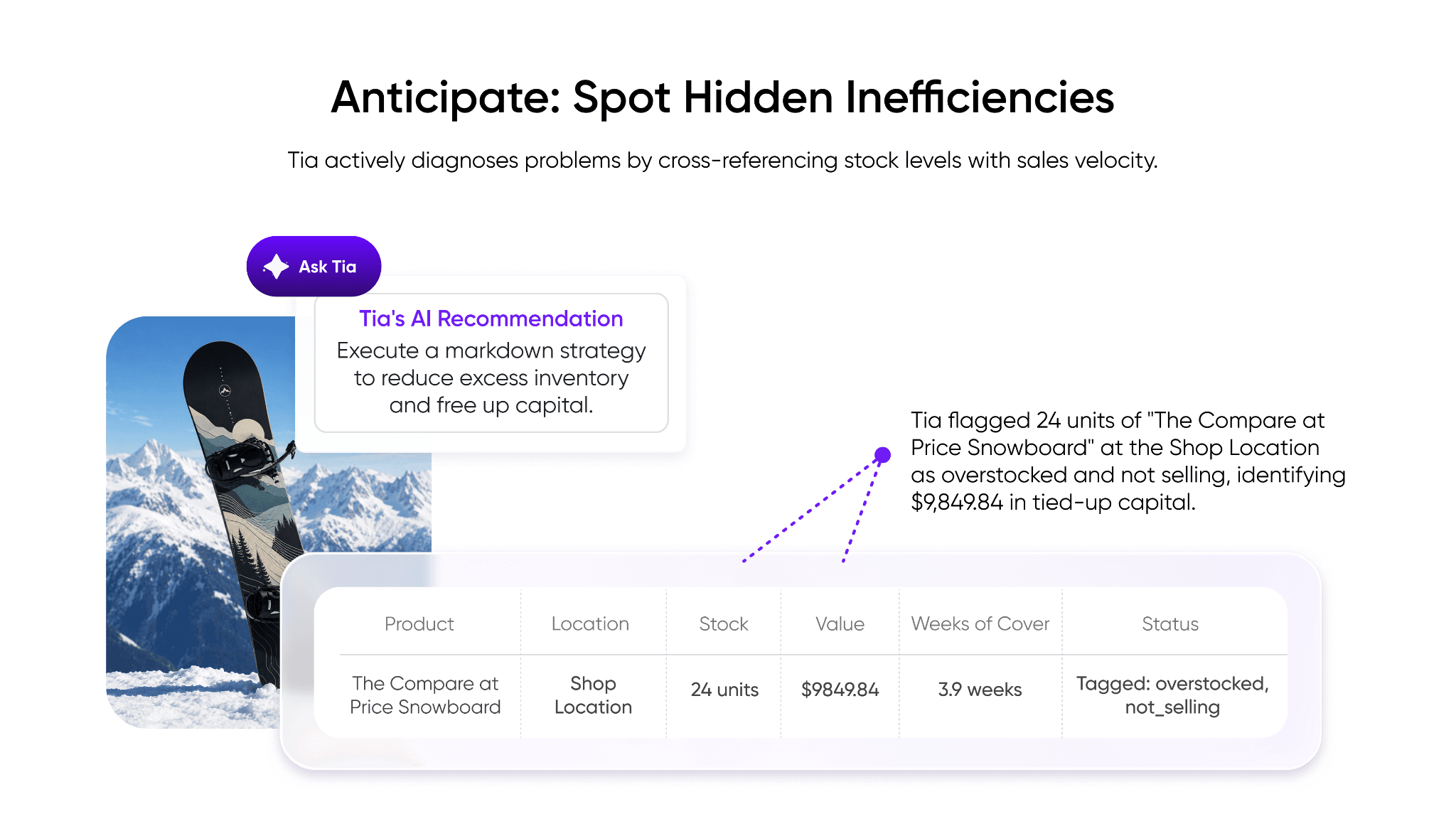
A demand spike is not an isolated event. It connects to your replenishment timing, your supplier lead times, your open POs, and your working capital. TIA traces those threads automatically — pulling from every relevant module — and returns a direct and explained answer. . . It eliminates the reliance on IT departments for data engineering and ending the era of the manual CSV export. Not a chart to interpret. Just a recommendation with reasoning behind it.
Act: Closing the Decision Gap
An insight only matters if you can act on it in time. Charts, KPI cards, and tables generated in conversations can be saved to a persistent workspace, refreshed on demand, and linked back to the original conversation whenever you need to dig deeper. The gap between seeing a number and acting on it collapses to seconds.
The New Workspace: How to Use Tia
To support this powerful "Ask. Analyze. Act." engine, we have introduced a suite of new UI elements designed to give you the space and tools needed for deep, distraction-free operational research.
The Tia Full Page & Sidebar
For data-heavy workflows and deep research sessions, Tia now features a dedicated, full-screen context.
Centralized Chat History: A sidebar keeps your full conversation history, so no thread is ever lost and you can return to any session exactly where you left off.
Curated Organization: Star, Rename, and Delete chats to keep your most critical operational threads accessible and your workspace uncluttered.
Dynamic Prompt Suggestions: On every page load, TIA surfaces context-aware prompts relevant to your current data — including questions you might not have known to ask.
2. The TIA Board — The Evolution of Dashboards
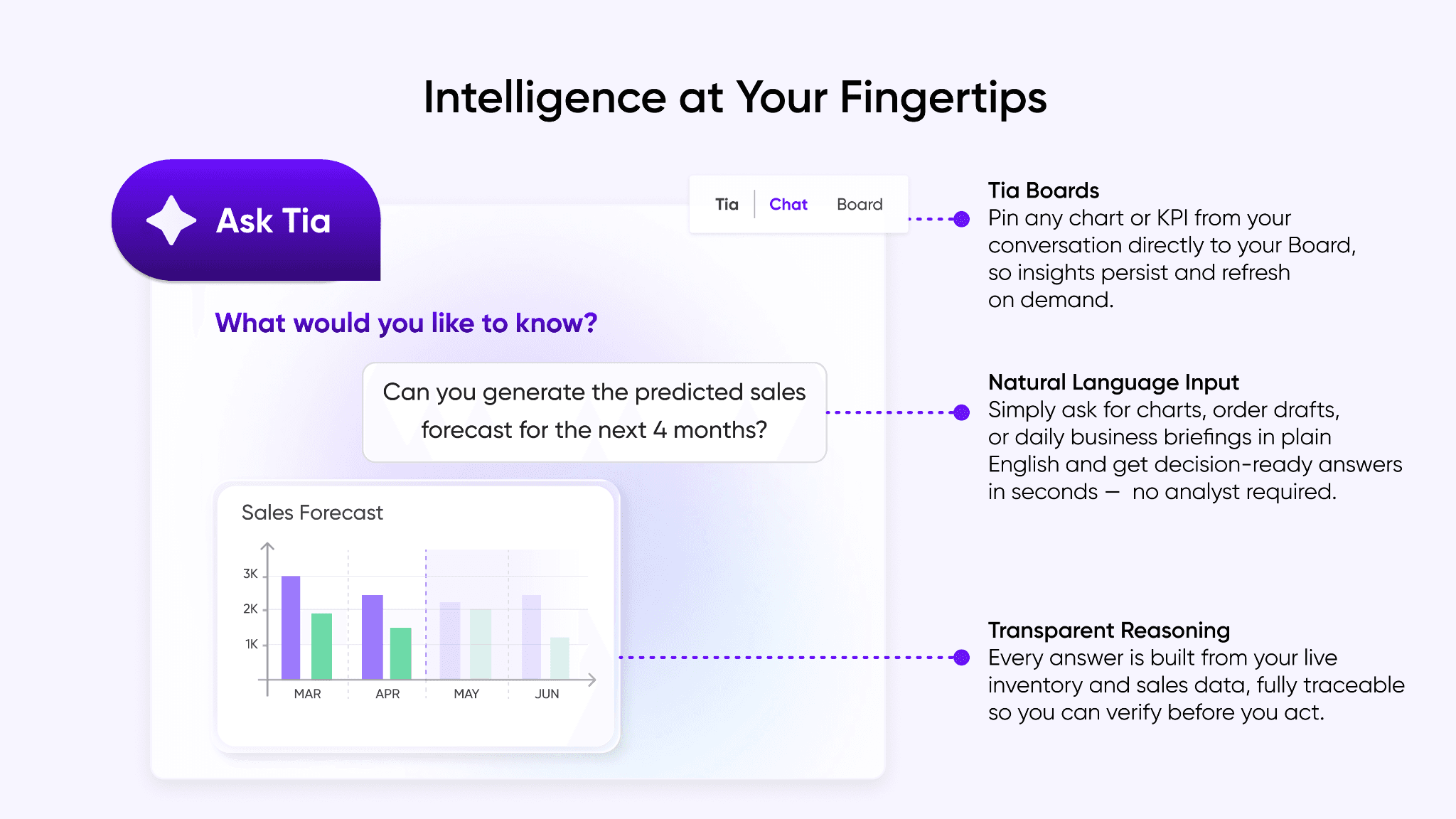
Most dashboards are built once, by someone else, for a purpose that may no longer match yours. The TIA Board works differently: it is a workspace you build yourself, from the actual questions you asked — so every visualisation on it exists because it answered something real.
Pin any chart, KPI card, or table from a conversation directly to your Board.
Visualisations stay available across sessions and refresh on demand, always reflecting the most current data.
Click Open in Chat on any pinned item to return to the original conversation — so you can always jump directly back into the specific conversation where that chart was originally generated to continue your analysis
3. An Omnipresent Assistant
Not every question requires a full research session. Sometimes you need a quick stock check mid-meeting or a fast answer while reviewing a purchase order. TIA is built for both. Rather than being confined to a single screen, it travels with your workflow — available as a Sidebar that sits alongside what you are working in, a Floating widget that stays accessible without taking over your screen, or the Full Page when the work demands full focus.
The End of the Human Integration Layer
For too long, ops leaders have been the human integration layer between their own tools. TIA is what it looks like when that layer becomes software — when ERPs like Microsoft Dynamics 365 and your planning tools stop operating as separate islands and become one living system, with no manual exports, no reformatting, and no lag between data and decision.
TIA puts authority back in the hands of the planner who knows the business, because the problem was never a lack of data; it was the time lost between seeing a number and knowing what to do about it.
Think about your own workflow: how many of your decisions this week could have been made with a single sentence?
Book a demo today to see TIA in action.
Laura B
Marketing Analyst
Share