Blog
Overstocked and Understocked? Rethink Multi-warehouse Inventory Planning
Overstocked and Understocked? Rethink Multi-warehouse Inventory Planning
Laura B
Marketing Analyst
Nov 26, 2025
The "Trapped Inventory" Paradox: A Core Challenge of Multi-Warehouse Retail
As a retail business begins to scale, one of the first and most logical steps is to expand its fulfilment network. Moving from a single warehouse to a multi-warehouse model is a sign of success, as it allows a brand to be closer to its customers, reduce shipping times, and lower costs.
But this growth introduces a new and significant operational challenge: siloed inventory.
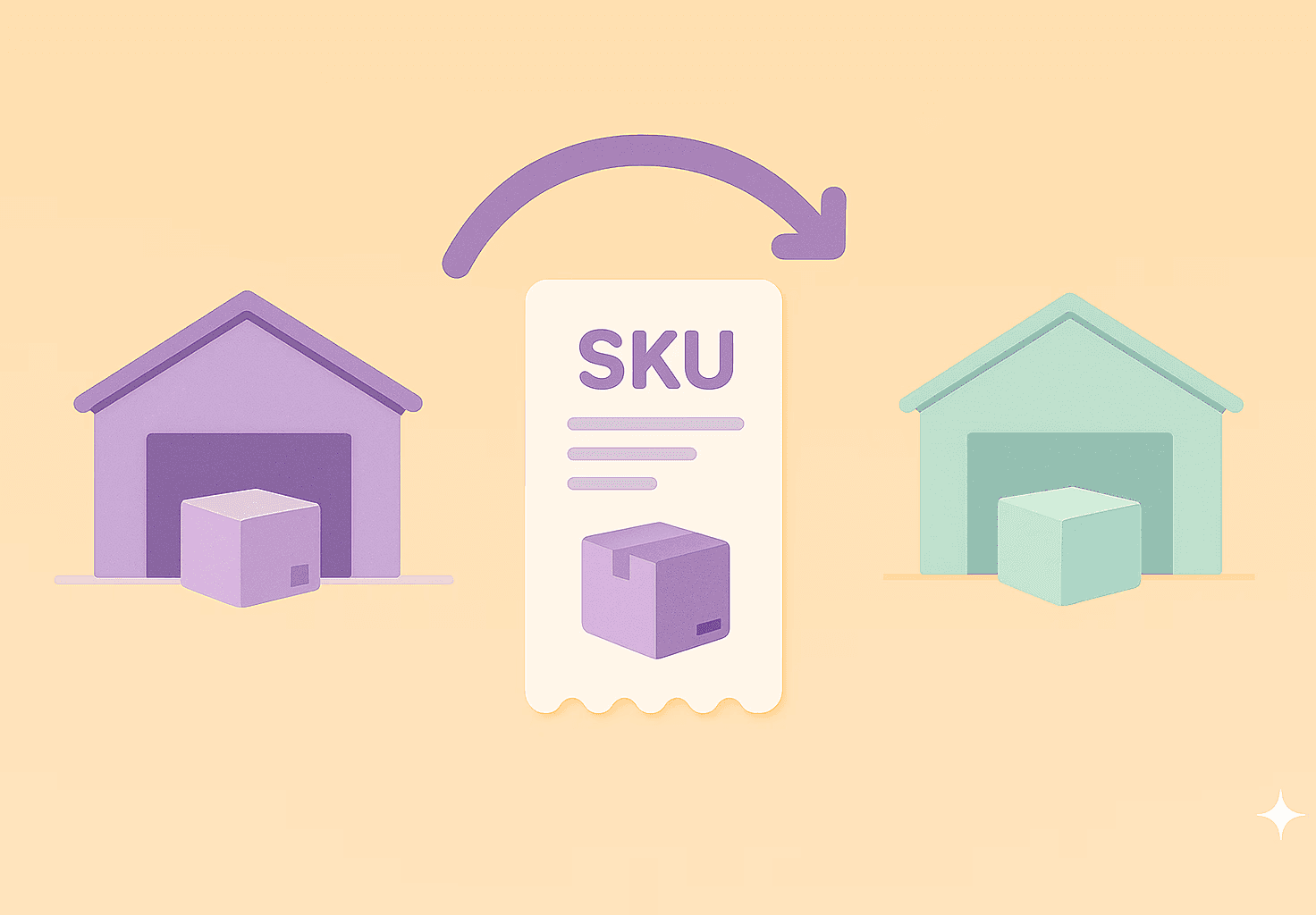
This is the frustrating paradox of seeing a best-selling product completely out of stock in one warehouse, while simultaneously sitting as a growing surplus in another. The inventory becomes "trapped" in the wrong locations, and the business is simultaneously suffering from both stockouts and overstocking.
Until now, the tools available to merchants in Tightly could only address this problem in one way: by creating a new Purchase Order.
This limitation meant having to place unnecessary supplier purchases. A replenishment planner for an East Coast warehouse, seeing a critical stockout, would be forced to buy new stock from a supplier. This would happen even if they knew their West Coast warehouse was holding a surplus of that exact same product. This is a critical failure in capital efficiency, as the business is forced to spend new cash to purchase inventory it already owns.
This reliance on new purchases also unnecessarily extends lead times. An internal transfer of stock from one domestic warehouse to another might take five days. A new purchase order from an overseas supplier, however, could have a 90-day lead time. The system was, in effect, forcing the planner to accept a three-month wait—and a three-month stockout—for a product they could have had on the shelf in a week.
This entire cycle is what leads to inefficient stock balancing. The business is now paying for its problem twice: first, it pays for the new, unneeded inventory. Second, it continues to pay carrying costs (for storage, insurance, and tied-up capital) on the surplus stock that is still sitting, unsold, in the other location.
This isn't just an inconvenience; it's a strategic blind spot.
Unlocking Your Internal Supply Chain: Introducing Transfer Orders
To solve this critical challenge of "trapped inventory", we are thrilled to introduce Transfer Orders as a new, core function within Tightly.
So, what is a transfer order in this context? It's a new, formal tool designed for true inventory balancing. It allows you to plan an inter-warehouse transfer before you're forced to buy new stock, making your own inventory your first and best source of replenishment.
This feature is a key part of a major, strategic update to our entire multi-warehouse inventory planning toolset, and it was released shortly after its natural counterpart: the new Split Purchase Order feature.
These two updates are designed to work hand-in-hand, giving you a complete, 360-degree view of your supply chain.
→ First, the new Transfer Order feature lets you manage your internal supply chain. It provides the tools for smart inventory reallocation so you can prevent overstocking in one location by simply moving it to another. It is great at keeping inventory records accurate without double-counting, since Tightly does not update stock quantities — it records transfers while deferring physical stock updates to the customer’s ERP/WMS.
→ Second, the Purchase Order Split feature gives you that same control over your external supply chain. It lets you take a single, massive PO and break it into a realistic schedule of smaller, split deliveries, so your forecast is always accurate and you can still purchase products at bulk pricing.
With these two powerful updates, planners can finally manage their entire supply network from one central location. This combination elevates Tightly into a true multi-warehouse inventory planning solution.
How to Find and Use the Tool
We designed this to work exactly like the Purchase Orders you already use. This means there is zero learning curve for your team; if they can process a PO, they can process a Transfer Order.
The Walkthrough
Method 1: The Smart Way (From our Replenishment Tab)
The most strategic way to initiate a transfer is directly through the Smart Replenishment page. As you review your replenishment recommendations, you will see a new "Home" icon next to your products. Clicking this icon allows you to instantly check the stock listing for that item across all your other locations—showing you, for example, that Warehouse A has 20 units and Warehouse B has 50. If you see that you have enough inventory elsewhere, you can simply select those rows and click the "Create Transfer Orders" button instead of buying new stock. In the window that opens, the destination warehouse is automatically pre-filled, so you only need to select your Source Warehouse based on the availability you just checked. You have full flexibility to mix and match sources for different items. When you click "Review," Tightly automatically groups these items into separate orders based on their origin, allows you to set specific delivery dates for each shipment, and creates the transfer orders with a single click.
Method 2: The "Manual" Way
If you already know what needs to move, you can initiate a new Transfer Order directly from the Supply Orders page. Once you click this, you will land on the main PO management page. At the top, you will now see two tabs. The first is "Purchase Orders," which directs you to the page you have always used to manage your POs. Right next to it, you will see the new "Transfer Orders" tab. Click on the "Transfer Orders" button to enter your new command center for all internal stock movements. Click "Create Transfer”, select specific products, choose the source warehouse for each item, and set your expected delivery dates. You can even edit the order after it's created to add more products if your needs change. You can also move the order from "Draft" to "Confirmed," and even after creation, you retain full flexibility to edit quantities or add more products to the transfer before it is shipped, giving you total control over your internal logistics.
→ We also Handle Mixed Replenishment
We've built in a seamless workflow for "mixed" replenishment. If you only have some of the stock you need in another warehouse, you can transfer those units and then use the “Add remaining items to basket” option to automatically create a Purchase Order for the rest, all in one simple process.
For a more technical walkthrough of the new workflow, our full knowledge base article provides a complete, step-by-step guide to creating and managing:
See the Step-by-Step Guide to Transfer Orders
Working in Harmony: How Tightly Syncs with Your ERP and WMS
As mentioned above, the critical component of this new Transfer Order feature is how it was designed to work in harmony with your existing systems. We understand that for mid-market and enterprise retailers, your ERP or WMS is the single, non-negotiable source of truth for your physical inventory and financial records.
A new tool, especially one in your multi-warehouse inventory management stack, should support that system, not create a new data silo that conflicts with it. This is why Tightly does not physically update the stock quantities in your warehouse when a transfer is marked as delivered. We record the movement to keep your planning accurate, but we defer the final physical stock update to your ERP or WMS. This prevents the dangerous error of "double-counting" inventory across integrated systems.
Here is the scenario Tightly wants to prevent:
Imagine you move 100 units from Warehouse A to Warehouse B.
Your warehouse team scans those items out using your ERP/WMS scanners. The ERP deducts 100 units.
If Tightly also automatically deducted 100 units when you clicked "Ship," your records would show a deduction of 200 units.
By refusing to change the stock numbers itself, Tightly ensures it never conflicts with your ERP.
Our software was therefore intelligently designed to manage the planning of a stock transfer, while respectfully deferring the final physical stock update to your primary system.
Here is what that means in practice: when you create and confirm a Transfer Order in Tightly, the platform does not immediately deduct stock from the sending warehouse and add it to the receiving one. Instead, Tightly records that inventory as "in-transit." This provides your inventory replenishment planning team with complete, forward-looking visibility. They can clearly see that stock is on the way to the location that needs it and will not be prompted to create an unnecessary new purchase order.
The actual, physical update to your inventory levels—the "minus 100" at Warehouse A and the "plus 100" at Warehouse B—is handled by your ERP or WMS, just as it always has been, once that transfer is physically processed.
This intelligent separation of duties is what makes Tightly such a safe supply chain planning tool: it provides the crucial visibility needed for proactive planning without compromising the data integrity of your core system of record.
From Trapped Inventory to True Visibility: Who This Is For
So, who did we build these new features for?
It is built for the procurement and supply chain teams who have the difficult job of managing seasonal inventory intake and coordinating phased supplier deliveries. These are the teams who need more than just a simple purchasing tool; they need a true inventory balancing software solution.
This is also a critical update for teams who rely on external 3PL inventory management software or an internal WMS. Tightly now provides the central planning layer that can coordinate both your external purchasing and your internal stock transfers, giving you a single source of truth.
If your business is already using Tightly for advanced replenishment planning, this is the essential upgrade that finally connects strategic forecasting to the real day-to-day world.
Laura B
Marketing Analyst
Share